Merge PDF Online – Free & Secure PDF Merger Tool (No Watermark)
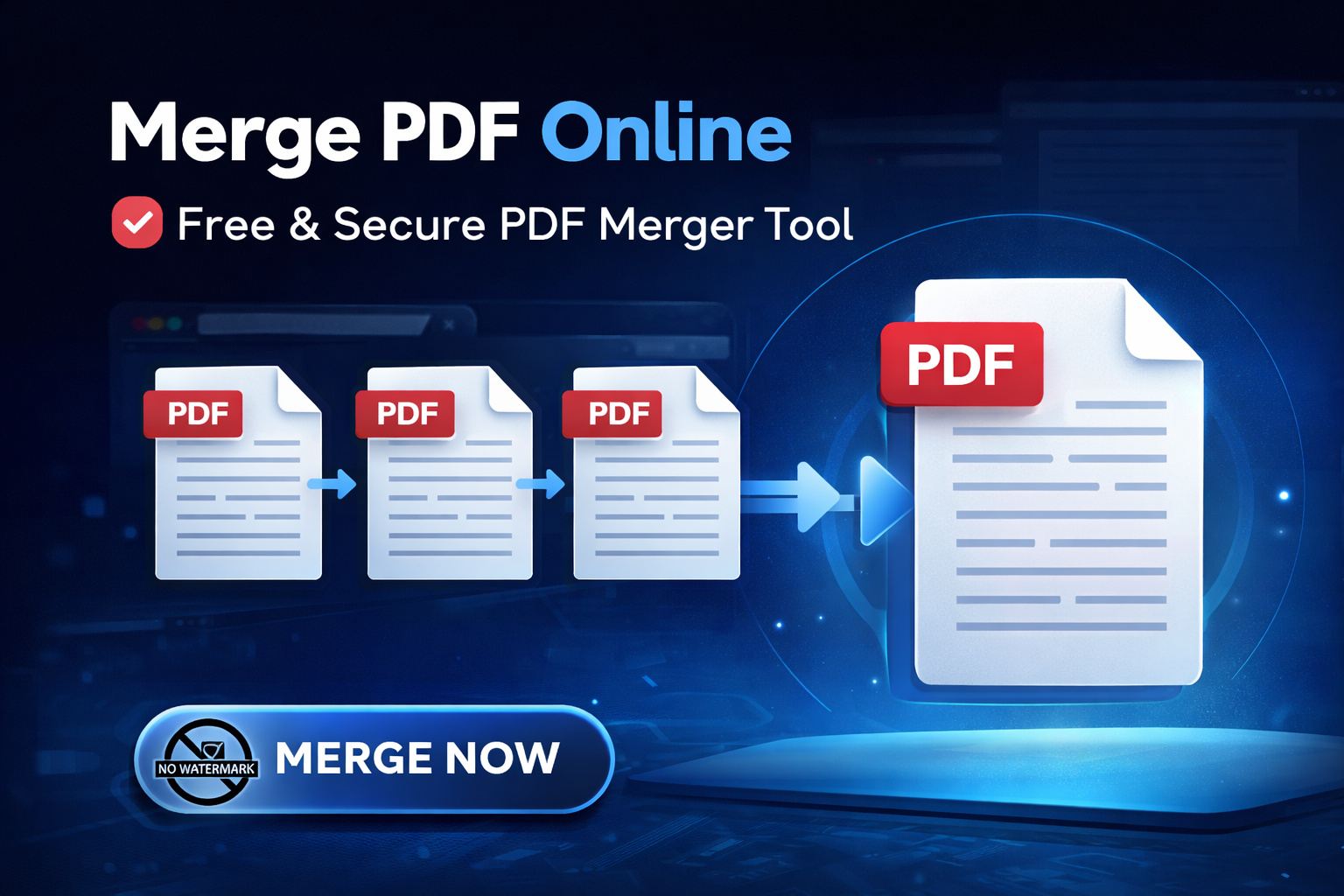
In the modern digital workspace, document management is key to productivity. Whether you are a student compiling assignments, a professional organizing reports, or a business owner managing invoices, dealing with scattered PDF files can be overwhelming. The solution? Merge PDF online free tools. In this comprehensive guide, we will explore how to combine your documents efficiently using SanPDF Pro, ensuring your files are organized, secure, and ready for professional presentation.
Key Takeaways
- • Combine multiple documents into a single file for easier sharing.
- • Drag-and-drop interface makes organizing pages simple.
- • Secure client-side processing keeps your data private.
Why You Should Merge PDF Files?
The Portable Document Format (PDF) is the global standard for document sharing due to its ability to preserve formatting across all devices. However, keeping track of multiple related PDF files can lead to clutter and confusion. Here is why merging your PDFs is a game-changer for your workflow:
Streamlined Organization
Combine "Report_Part1.pdf", "Part2.pdf", and "Appendix.pdf" into a single "Final_Report.pdf" for easier archiving.
Effortless Sharing
Send one clean file instead of ten separate attachments. It looks professional and is easier for recipients to handle.
Seamless Printing
Print hundreds of pages from different sources in a single click, rather than opening and printing files individually.
Compliance
Essential for students submitting theses or lawyers compiling case evidence where a single document is required.
Introducing SanPDF Pro: The Best Free PDF Merger
With countless tools available on the internet, finding one that balances speed, security, and cost can be difficult. SanPDF Pro stands out as a premier choice. Our Merge PDF Online Free tool is engineered to handle your documents with precision.
Unlike heavy desktop software that consumes storage space and requires expensive licenses, SanPDF Pro operates entirely in the cloud. This means you can access our powerful merging engine from any device—be it a Windows PC, a MacBook, an iPad, or an Android smartphone.
Key Features That Set Us Apart
- 100% Free & Accessible: We believe productivity should be accessible to everyone. Our core merging features are free to use without hidden paywalls.
- Bank-Grade Security: Your privacy is our top priority. We utilize advanced SSL encryption for file transfers. Furthermore, all uploaded files are automatically deleted from our servers after processing, ensuring your sensitive data never falls into the wrong hands.
- Intuitive Drag & Drop Interface: You don't need to be a tech wizard. Simply drag your files into the browser, rearrange them visually, and click merge.
- No Quality Loss: Our algorithms ensure that your text remains sharp and your images retain their resolution during the combination process.
Step-by-Step Guide: How to Combine PDF Files Online
Ready to declutter your digital life? Follow this simple tutorial to merge your PDF files using SanPDF Pro:
Upload Your Documents
Navigate to the SanPDF Merge Tool. Click "Select Files" or drag and drop multiple PDF files directly into the upload box.
Arrange and Sort
You will see thumbnails of your files. Click and drag them to reorder the sequence. You can also rotate pages if needed.
Merge and Download
Click "Merge PDF". Our engine will process the files instantly. Click "Download" to save your new, unified PDF file.
Online PDF Tools vs. Desktop Software: Which is Better?
Many users debate whether to install software like Adobe Acrobat or use an online solution. For most users, online tools offer significant advantages:
| Feature | SanPDF Pro (Online) | Traditional Software |
|---|---|---|
| Cost | Free | Expensive ($15+/mo) |
| Installation | No Installation Required | Heavy Download & Install |
| Updates | Always Up-to-Date | Manual Updates Needed |
| Accessibility | Any Device (Mobile/Desktop) | Single Device License |
Tips for Successful PDF Merging
To get the best results when combining your files, keep these expert tips in mind:
- Check File Protection: Ensure your input files are not password-protected. If they are, you will need to unlock them using our Unlock PDF tool before merging.
- Consistent Page Sizes: While our tool handles different sizes well, your final document will look more professional if all input files are the same page size (e.g., all A4 or all Letter).
- Compress After Merging: If you combine many high-quality files, the final document might be large. Use our Compress PDF tool afterwards to reduce the file size for easier emailing.
Frequently Asked Questions (FAQ)
Is it safe to merge PDF files online?
Can I merge PDF files on Mac or Mobile?
Is there a limit to the number of files?
Conclusion
Managing digital documents shouldn't be a headache. Whether you are compiling a business portfolio, organizing tax documents, or submitting a school project, the ability to merge PDF online free is an invaluable skill.
SanPDF Pro offers you the reliability, speed, and security you need to get the job done efficiently. Stop wasting time with complicated software or disorganized email attachments. Streamline your workflow today with our easy-to-use PDF tools.
Experience the difference of a clean, organized digital workspace. Try merging your files now and see how much time you can save!
Ready to Combine Your PDFs?
Join thousands of users who trust SanPDF Pro for their document needs. Fast, free, and secure.